


Brango Casino Login
You can log into Brango Casino by clicking the “Log In” button located in the top menu of the casino.
Who Can Sign Up at Brango Casino?
Players who are at least 18 years old can sign up at Brango Casino. The site only restricts real-money play for users that reside in any of the following countries:
Afghanistan, Albania, Armenia, Australia, Belarus, Bosnia and Herzegovina, Bulgaria, Costa Rica, Estonia, France, French Guiana, Germany, Guadeloupe, Iran, Iraq, Israel, Kosovo, Montenegro, Macedonia, Martinique, Mayotte/Reunion, Moldova, Myanmar, Netherlands, Netherlands Antilles, Pakistan, Romania, Serbia, United Kingdom, and Zimbabwe.
Players from unlisted countries are allowed to register, but they should still check Brango’s eligibility rules as well as local laws before playing.
How to Sign Up at Brango Casino?
Brango Casino features a 3-step sign-up process that can be completed in less than two minutes:
1. Visit the official Brango Casino website and click on the “Sign Up” button.
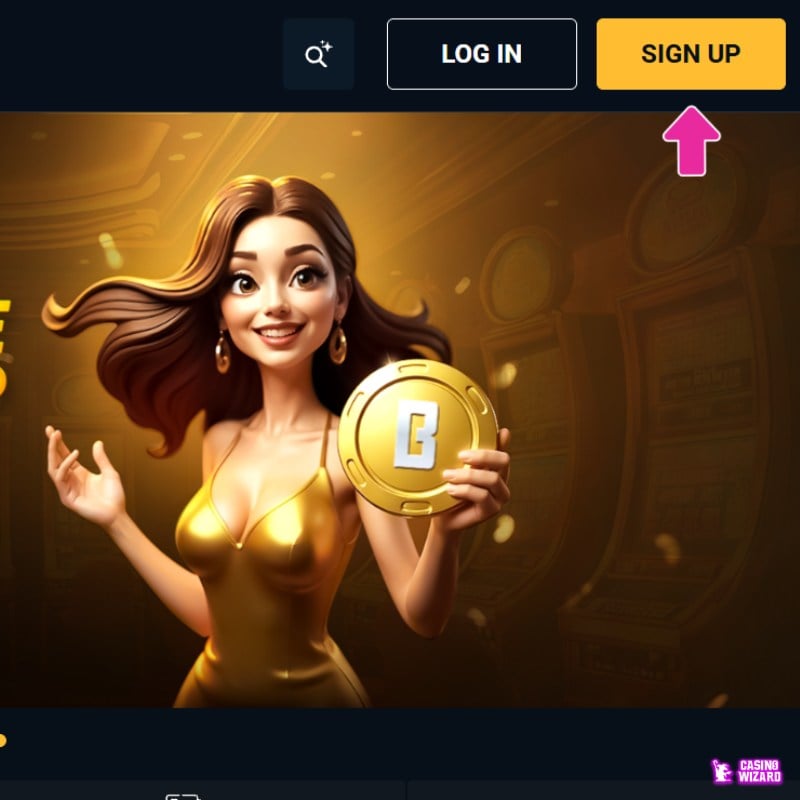
2. Fill in the personal information form that shows on your screen. Click on “Create Account” when you’re ready.
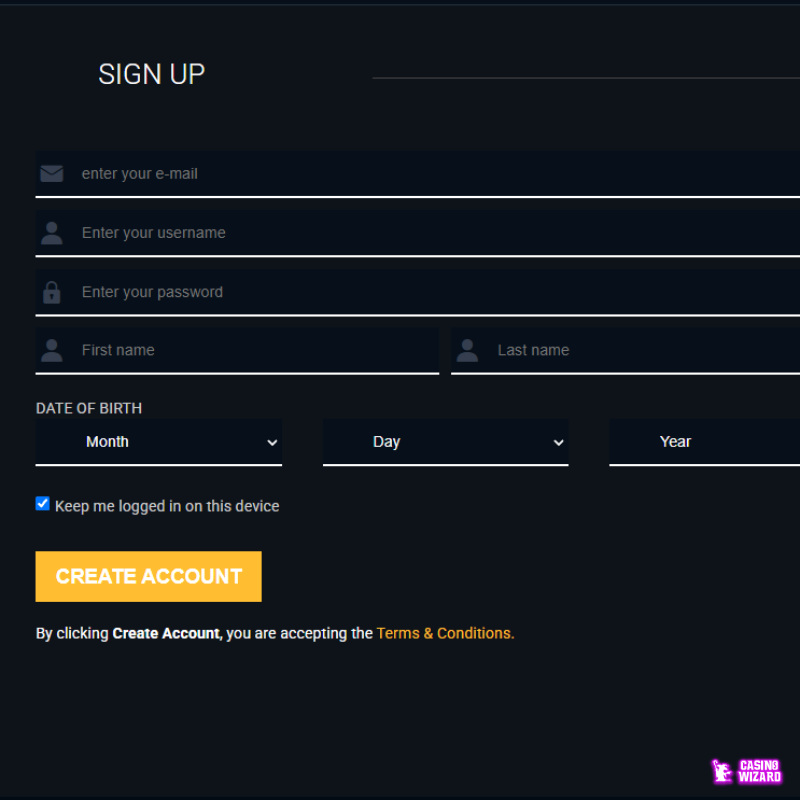
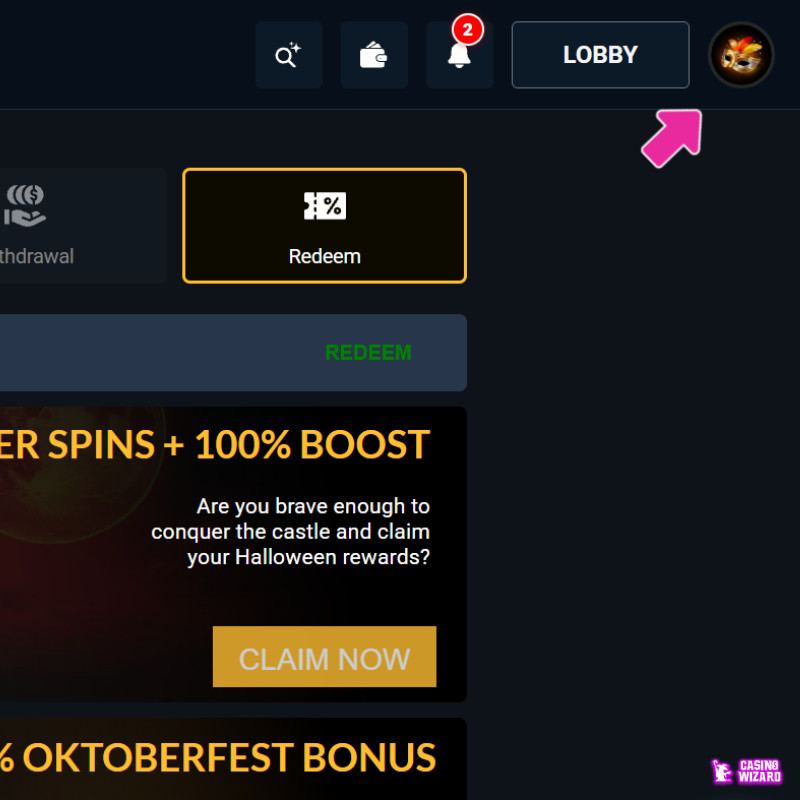
3. Once done, you will be automatically logged in to your account, with no need to verify your personal information or email address.
What is the Brango Casino Sign Up Bonus?
The current Brango Casino no deposit bonus on sign-up is a $250 free chip with a 5x wagering requirement:



Does Brango Casino Require KYC or ID Verification?
Brango Casino doesn’t require KYC on login or sign-up, but you may need to verify your account when attempting a withdrawal. According to Brango’s own terms and conditions, the site may request, at any point and at its sole discretion, the following documents:
- Government photo ID
- A utility bill showing your registered address,
- Card statement or the front and back of the card used to deposit.
Yes, it’s safe to sign up at Brango Casino. The site is owned by Anden Online N.V. and regulated by Curacao’s authorities under license number OGL/2024/1274/0819.
If you can’t sign up to Brango, try turning off your VPN, ensuring that you are entering the right information, or reaching out to customer support if the issue can’t be solved.



Your feedback has been received and will be made public after review.